
Open the Studio
Launch Studio ↗️
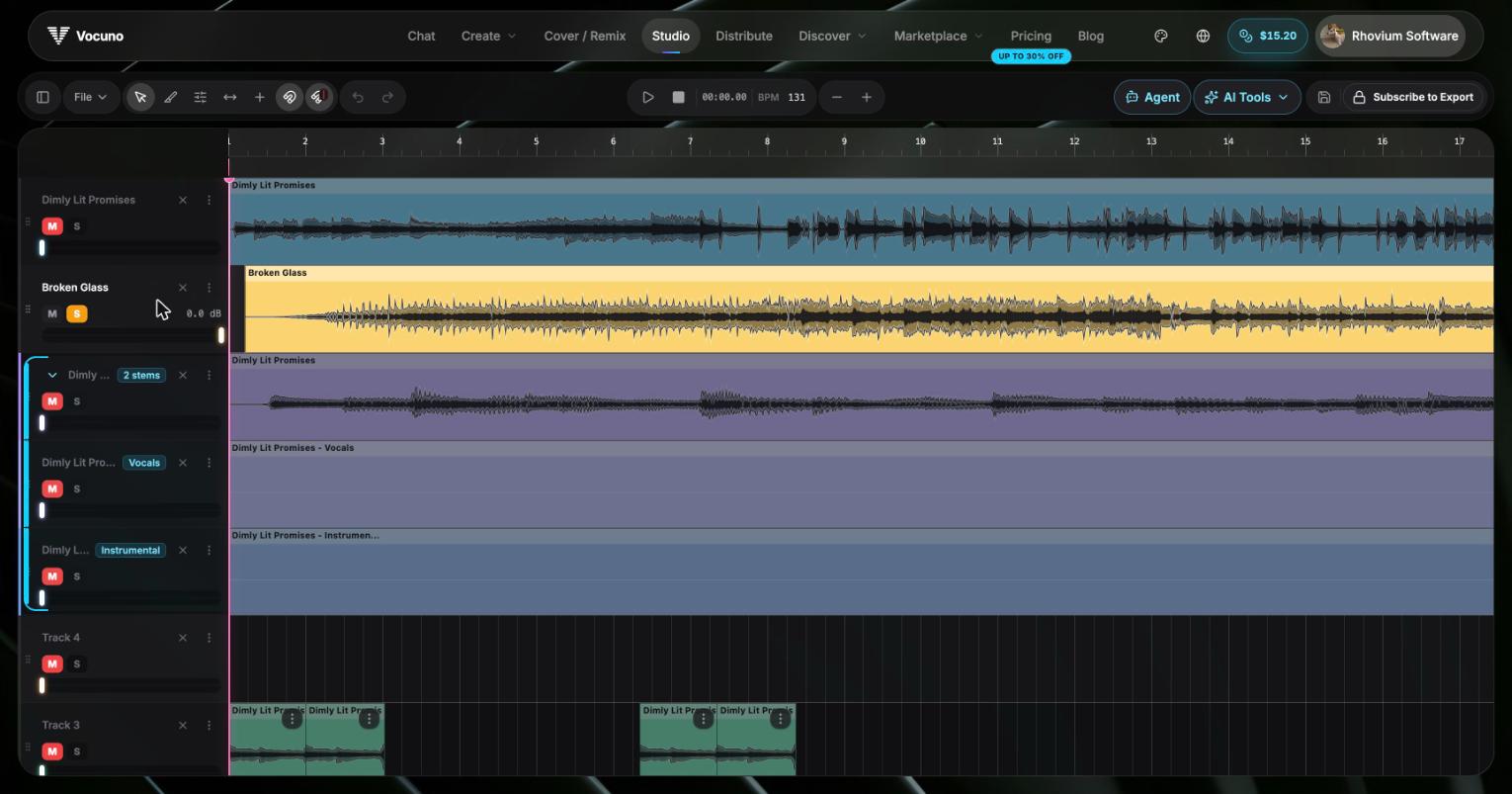
A multi-track session in the Studio
Core features
- Multi-track timeline — import and arrange unlimited tracks with waveform display
- Clip editing — cut, copy, paste, trim, and delete regions; per-clip gain control
- BPM detection & beat grid — auto-detect tempo and snap edits to the bar
- Mix controls — per-track volume, mute, and solo
- Library import — drag in any generated song, stem, conversion, or capture
- Sessions — auto-save to Firebase with full restore (track layout, mute state, clips)
- Undo / redo — full non-destructive editing history
- Export — render to WAV or MP3 with all your mute and volume settings baked in
- AI tool dock — run advanced tools without leaving the Studio: audio mastering, the mixing agent, replace section, timestamped lyrics, stem-to-MIDI, sound generator, cover artwork, mashup, and more
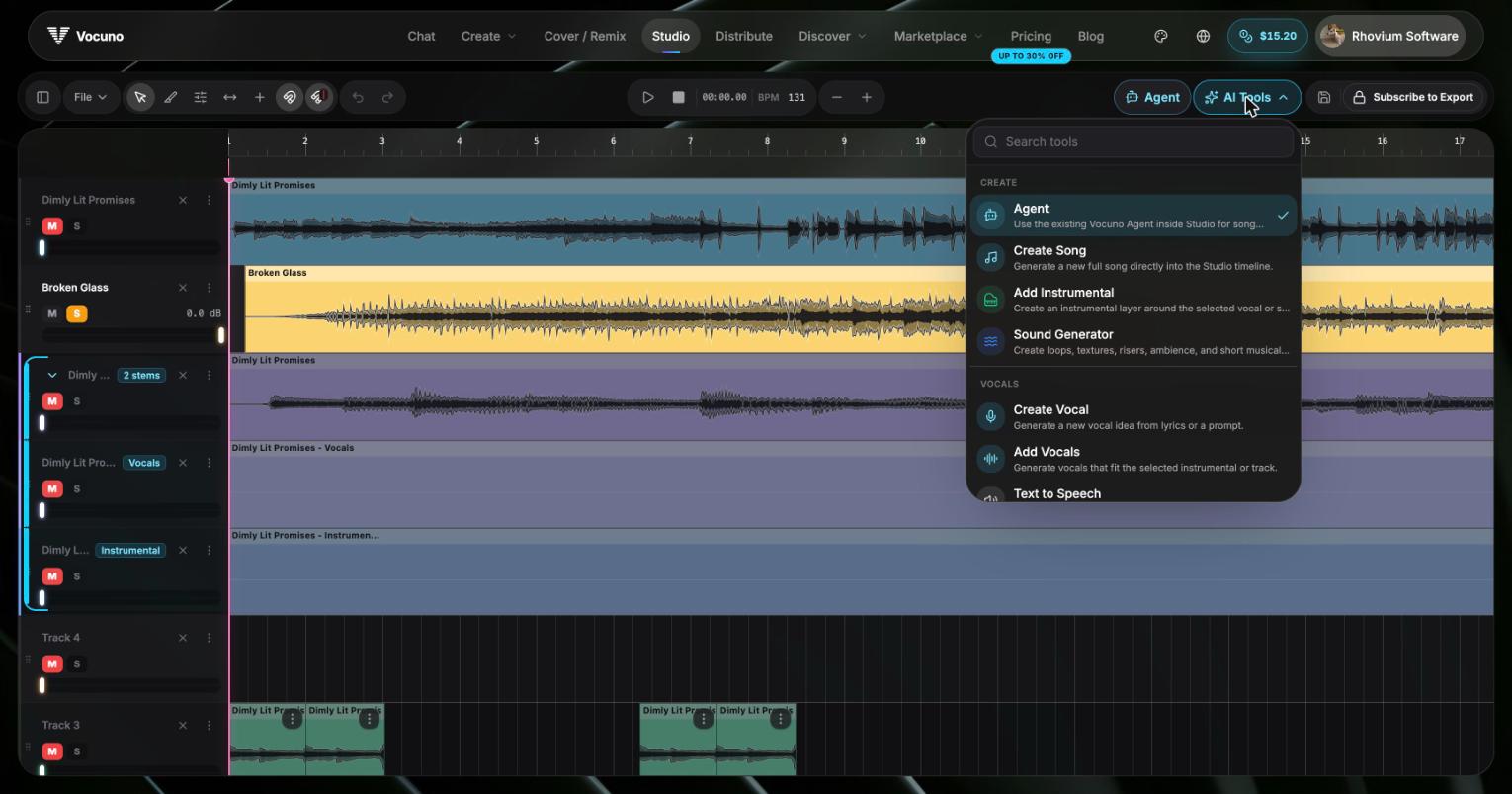
The AI Tools menu inside the Studio
Typical flow
Start a session from a finished song or a stem split, drop additional layers (extra vocals, ad-libs, effects you captured) onto new tracks, line them up on the beat grid, and trim the dead air. When the mix sounds right, export and either download the file or send it straight to Distribution.Frequently asked questions
Do I need to install anything?
Do I need to install anything?
No — the Studio runs entirely in the browser. A desktop or laptop is recommended for editing precision.
What can I import into the Studio?
What can I import into the Studio?
Anything in your Vocuno library — generated songs, stems, voice conversions, captures — plus audio files you upload directly.
How are sessions saved?
How are sessions saved?
Sessions auto-save to your account. You can close the tab and come back to the same arrangement later.
What export formats are supported?
What export formats are supported?
WAV (lossless) and MP3. Export bakes in mute, solo, and volume settings for every track.