> ## Documentation Index
> Fetch the complete documentation index at: https://support.vocuno.com/llms.txt
> Use this file to discover all available pages before exploring further.
> Describe a theme, mood, or story and get complete song lyrics in seconds. Edit them, or send them straight to Create Song.
# Lyrics
Try it now! ↗️
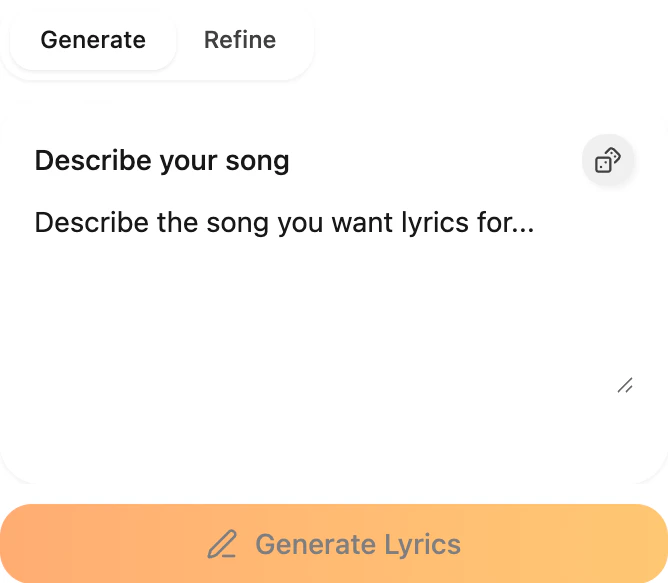 The Lyrics tool writes full song lyrics — verses, chorus, bridge — from a short description. There are two tabs: **Generate** and **Refine**.
## Generate
Type what the song is about in the **Describe your song** field and click **Generate Lyrics**. The draft appears on the right in a few seconds with sections already labeled.
A good prompt usually has a mood, a genre, and a bit of story. For example: *"Upbeat summer road trip anthem, pop-rock, feeling free after a breakup."*
The Lyrics tool writes full song lyrics — verses, chorus, bridge — from a short description. There are two tabs: **Generate** and **Refine**.
## Generate
Type what the song is about in the **Describe your song** field and click **Generate Lyrics**. The draft appears on the right in a few seconds with sections already labeled.
A good prompt usually has a mood, a genre, and a bit of story. For example: *"Upbeat summer road trip anthem, pop-rock, feeling free after a breakup."*
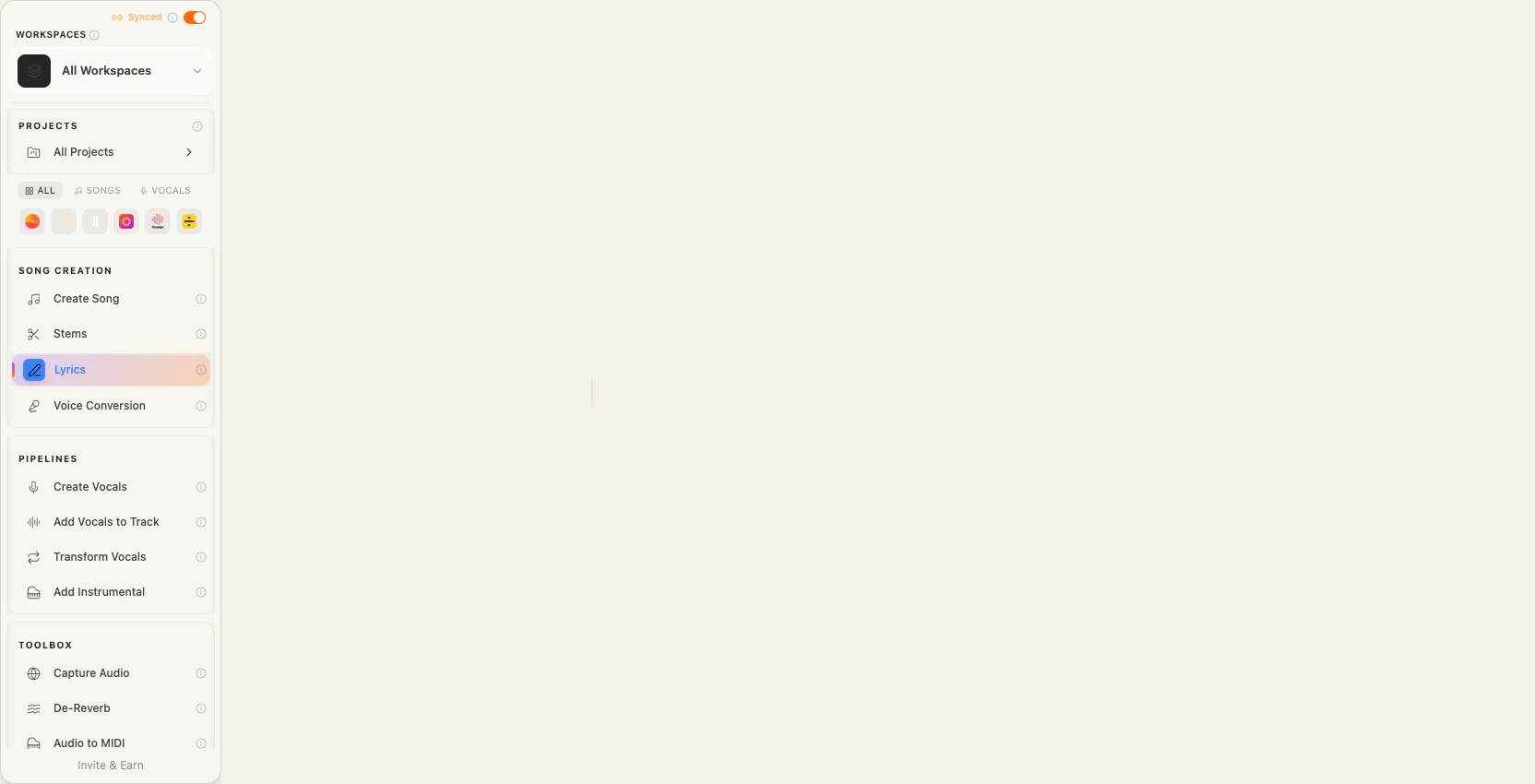 Once the lyrics are generated, every line is editable — click into it and change whatever you want. When you're happy with the draft, hit **Send to Create Song** to pass it straight into the [Create Song](/create/ai-song-generator) tool.
## Refine
Switch to **Refine** when you already have lyrics and want to change something specific — the tone, a weak chorus, the rhyme scheme — without regenerating the whole song.
Paste or keep your lyrics, describe what you want changed, and you'll get an updated version that leaves the rest alone.
## Frequently asked questions
Yes — mention the genre, mood, or an era in your prompt (pop, hip-hop, 90s alt-rock, etc.) and the AI will match vocabulary, rhyme density, and structure.
Yes. Every line is editable inline. For bigger rewrites, use Refine mode.
Generate writes a new song from a prompt. Refine takes existing lyrics and improves a specific part without starting over.
Yes. Use **Send to Create Song** and your lyrics prefill the Create Song tool, where you pick the music model and vocal settings.
See the [Credit Costs](/credit-costs) page for the current cost per generation.
Once the lyrics are generated, every line is editable — click into it and change whatever you want. When you're happy with the draft, hit **Send to Create Song** to pass it straight into the [Create Song](/create/ai-song-generator) tool.
## Refine
Switch to **Refine** when you already have lyrics and want to change something specific — the tone, a weak chorus, the rhyme scheme — without regenerating the whole song.
Paste or keep your lyrics, describe what you want changed, and you'll get an updated version that leaves the rest alone.
## Frequently asked questions
Yes — mention the genre, mood, or an era in your prompt (pop, hip-hop, 90s alt-rock, etc.) and the AI will match vocabulary, rhyme density, and structure.
Yes. Every line is editable inline. For bigger rewrites, use Refine mode.
Generate writes a new song from a prompt. Refine takes existing lyrics and improves a specific part without starting over.
Yes. Use **Send to Create Song** and your lyrics prefill the Create Song tool, where you pick the music model and vocal settings.
See the [Credit Costs](/credit-costs) page for the current cost per generation.